One fast display. Connectivity options. Digital keys. Because driving should be as intuitive as tapping a screen.


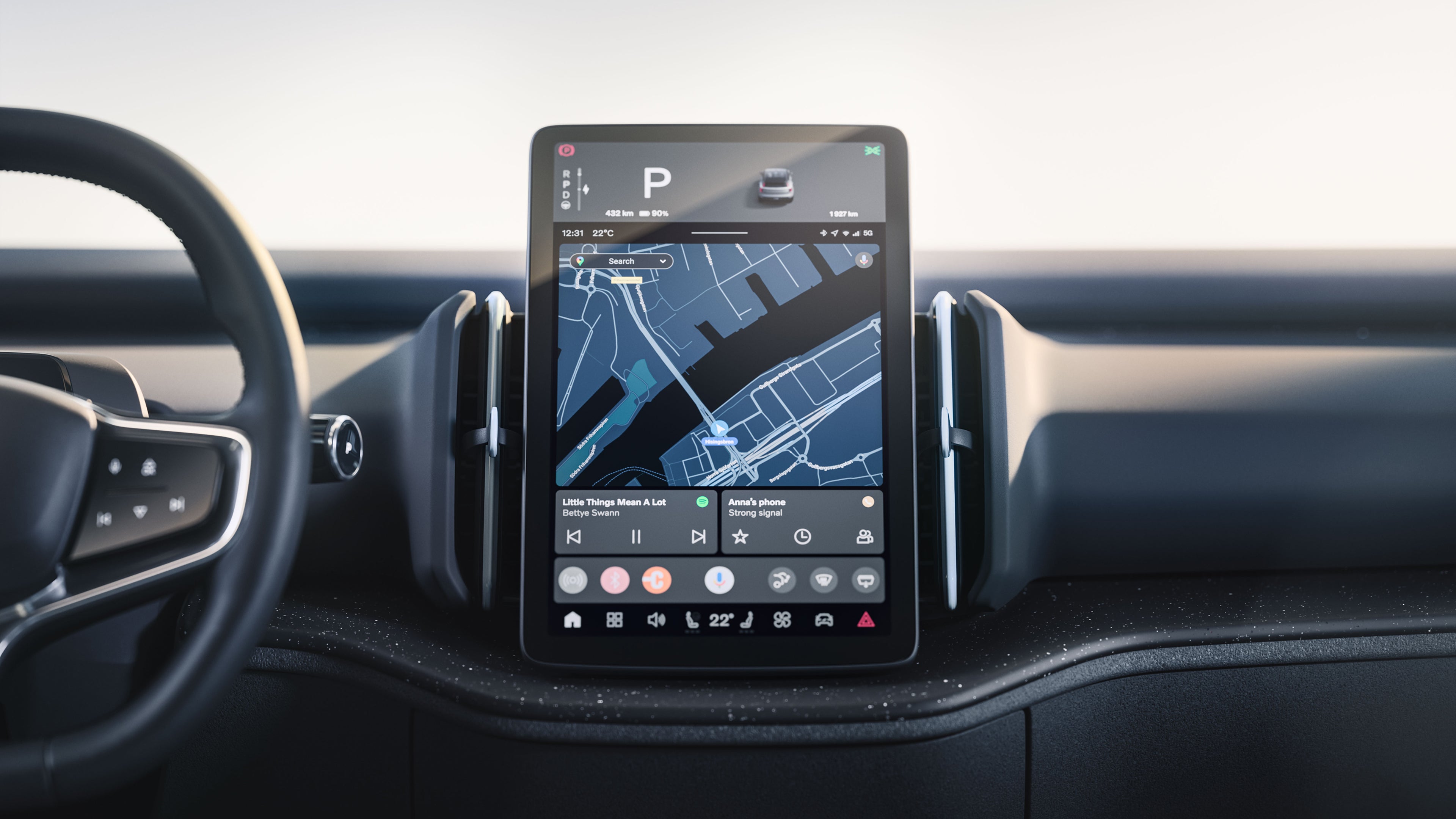
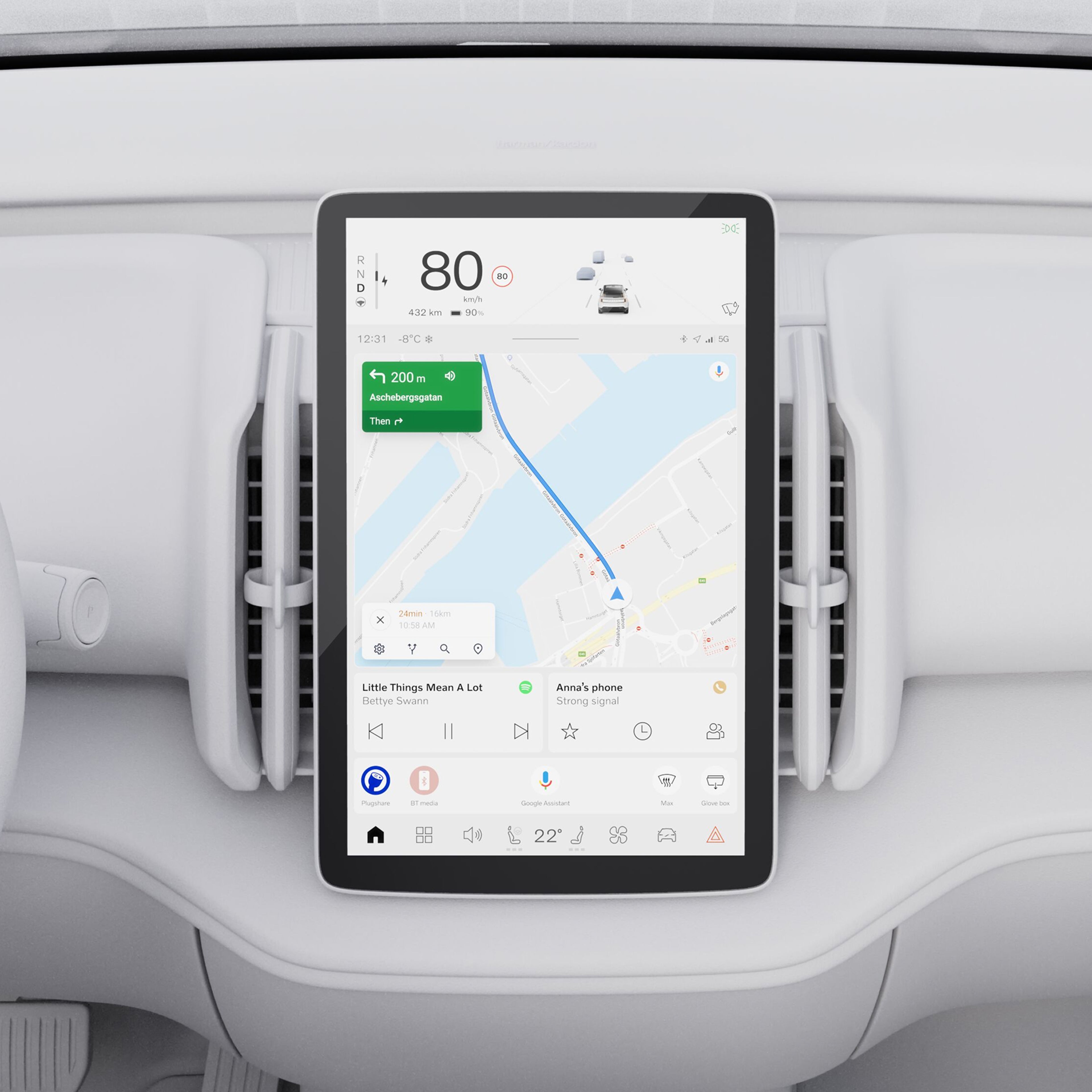
A free-standing 12.3-inch tablet serves as your combined driver and centre display. It puts driver information and your favourite controls at a glance in one convenient location.
The touchscreen is engineered to deliver high-definition visuals with minimal glare and reflections. And it’s highly responsive. Sensors and an infrared film help make each command instantaneous.
...Show more

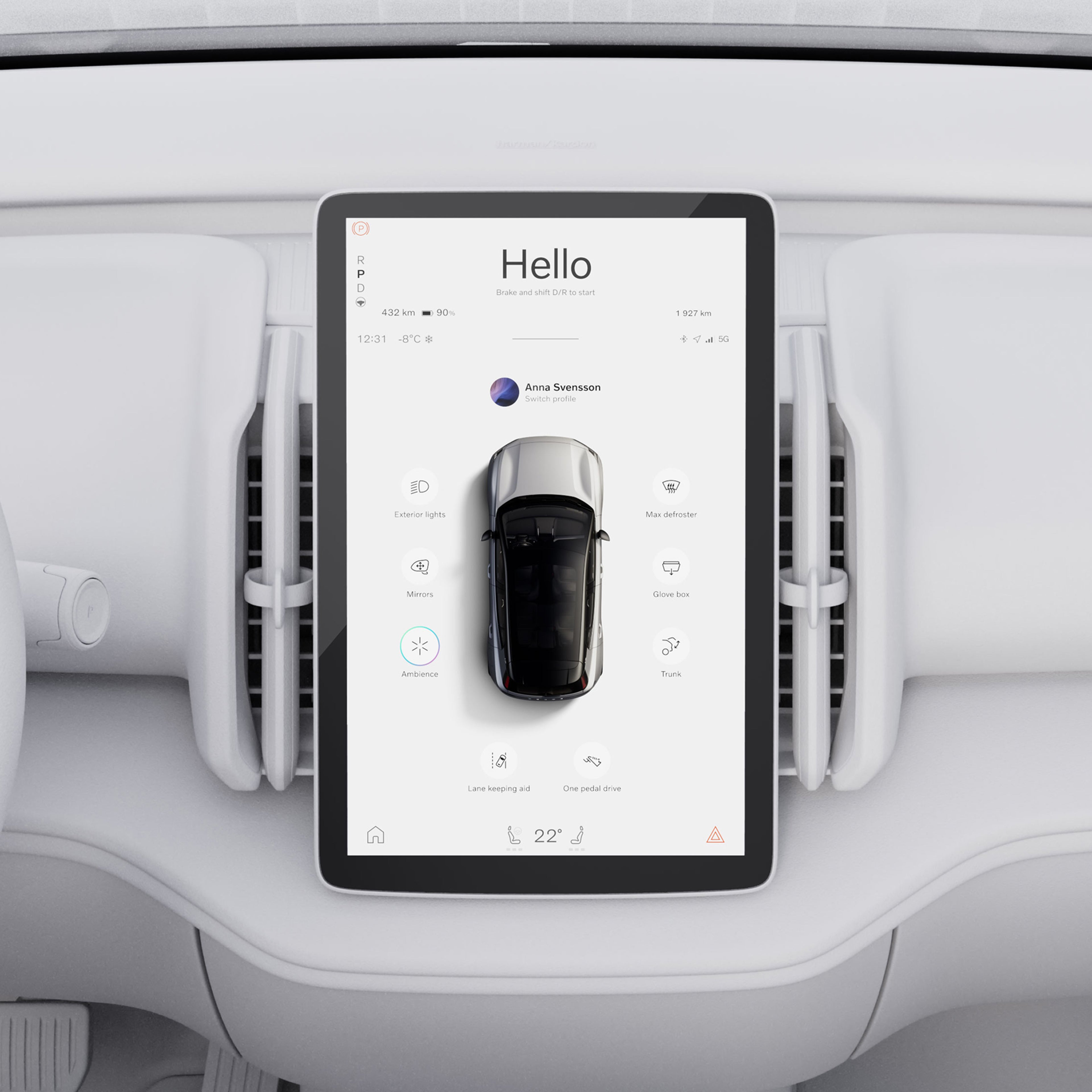
The centre display's welcome view makes it simple to set your driving preferences. You can activate driver support features, select an ambience theme and play your favourite playlist.
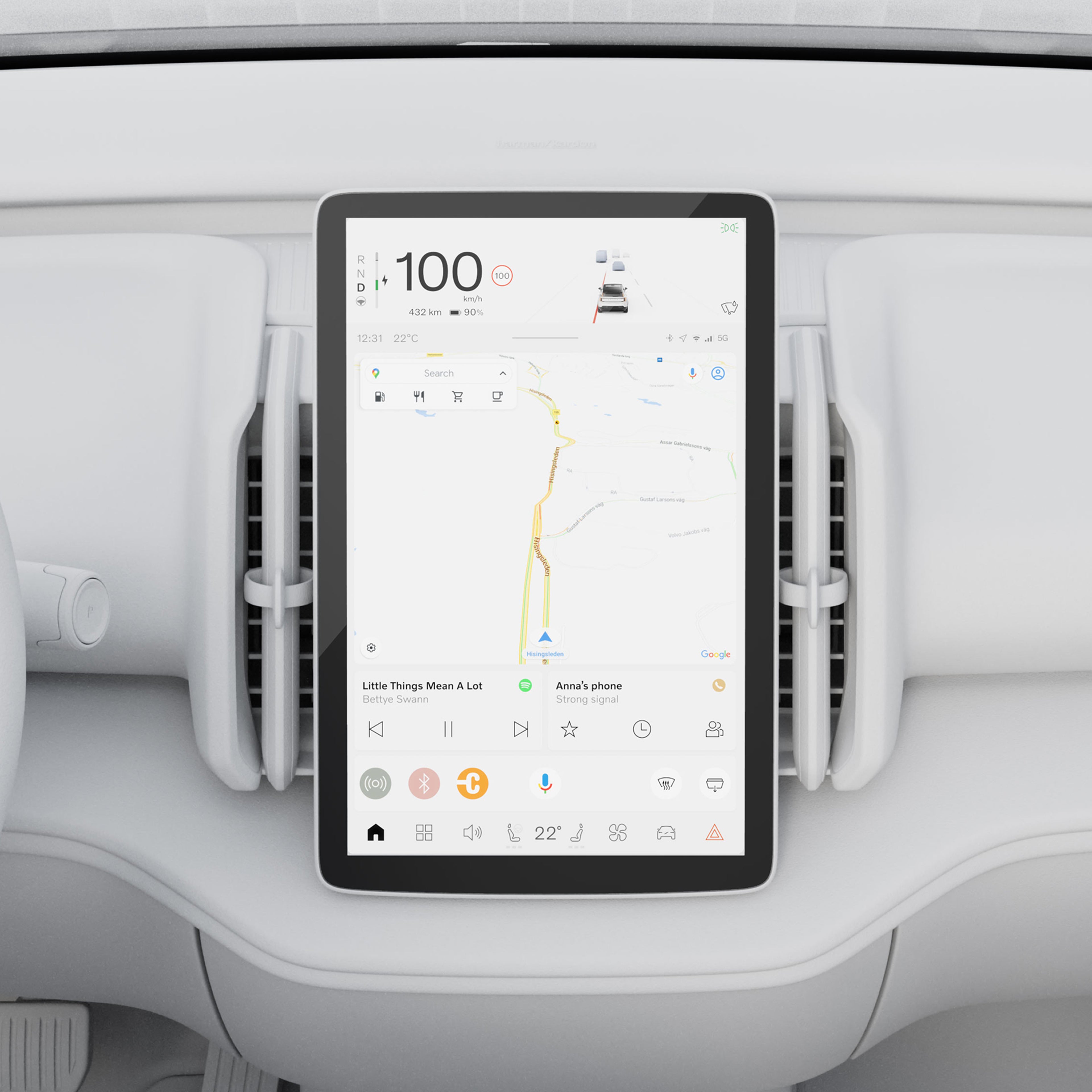
Fixed widgets put navigation, media and your phone a tap away. Commands for your most-used functions can appear at the bottom of the display, but these shortcuts only appear when features are available. Want the 360° camera view? You'll have to wait until your speed is low enough for it to function.
The 360° camera is only available only on the Ultra trim.
...Show more

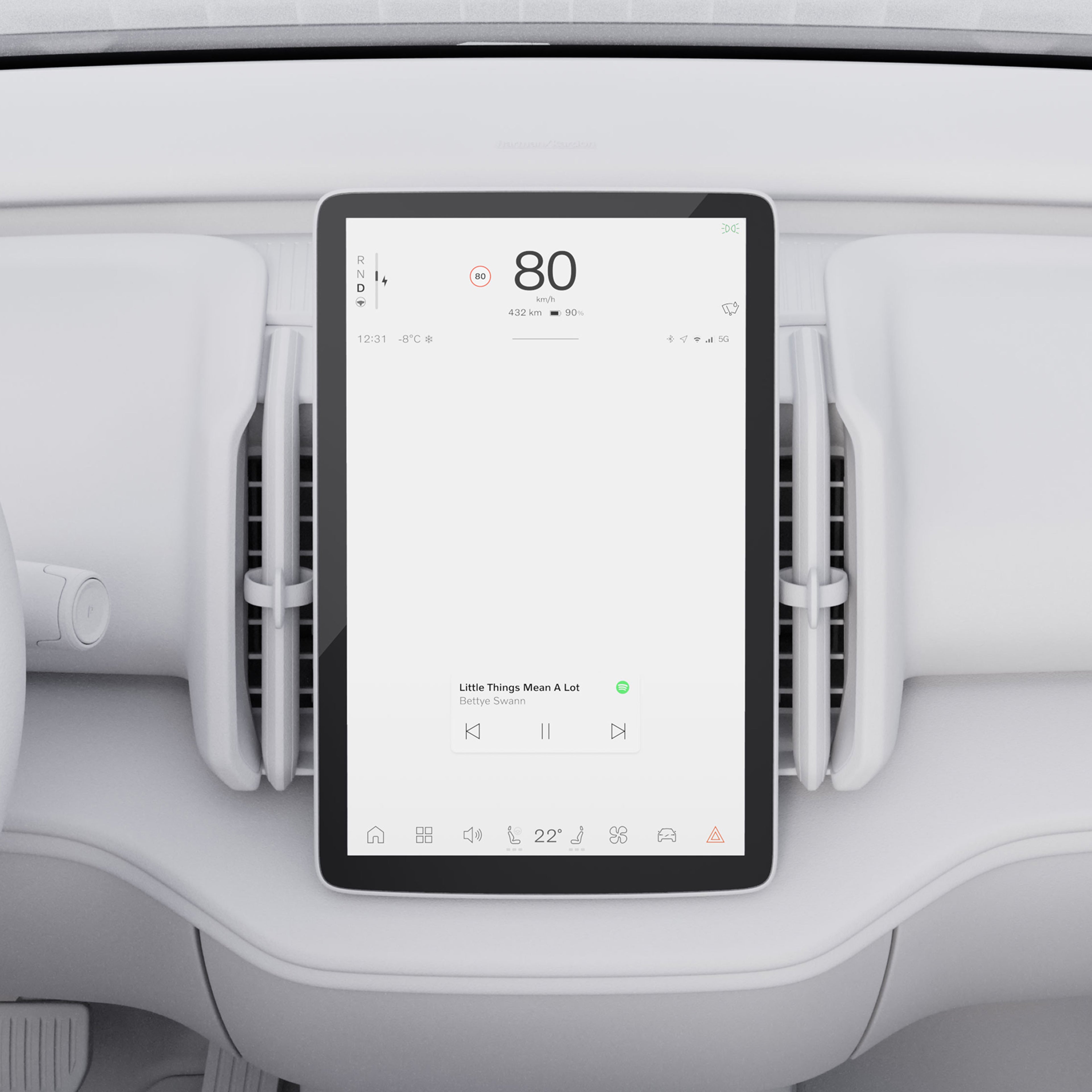
Get driver information how you want it with different driver views. Calm sweeps away everything but the essentials, like speed, battery level and your expected range. Surround shows you the same information, plus active driving support features like Pilot Assist and a real-time look at the vehicles in front of you.
Choose your preferred view on the centre display or add it to the customisable steering wheel button for quick toggling.
...Show more

Powering the next-generation infotainment system in the EX30 is software developed by our in-house engineering experts and Snapdragon Cockpit Platforms from Qualcomm Technologies, Inc. It’s state-of-the-art computing power that makes core functions fast, responsive and precise.
Snapdragon and Qualcomm branded products are products of Qualcomm Technologies, Inc. and/or its subsidiaries.
...Show more

Personalise your drive with Google built-in, a range of helpful apps available with unlimited data as part of your free digital services package.
Google Maps
Find the best route to your destination with Google Maps. It's simple in-car navigation that reroutes you based on the latest traffic updates.
Charging station locator
Google Maps can help you plan the most efficient route for your electric car. It can also locate nearby charging stations. Filter by speed, price and payment options.
Google Play
Download the apps you love to bring your favourite music, podcasts and audiobooks on every journey.
Google Assistant
Say “Hey Google” to adjust climate settings, call and text, play audio and more using just your voice.
Digital services
Use Google Maps, Google Assistant and any app downloaded on Google Play Store with unlimited data for five years. This digital services subscription is included with the purchase of a new Volvo car. After this period ends, new terms and fees will apply if you choose to renew. Fair Use Policy for data applies.
...Show more

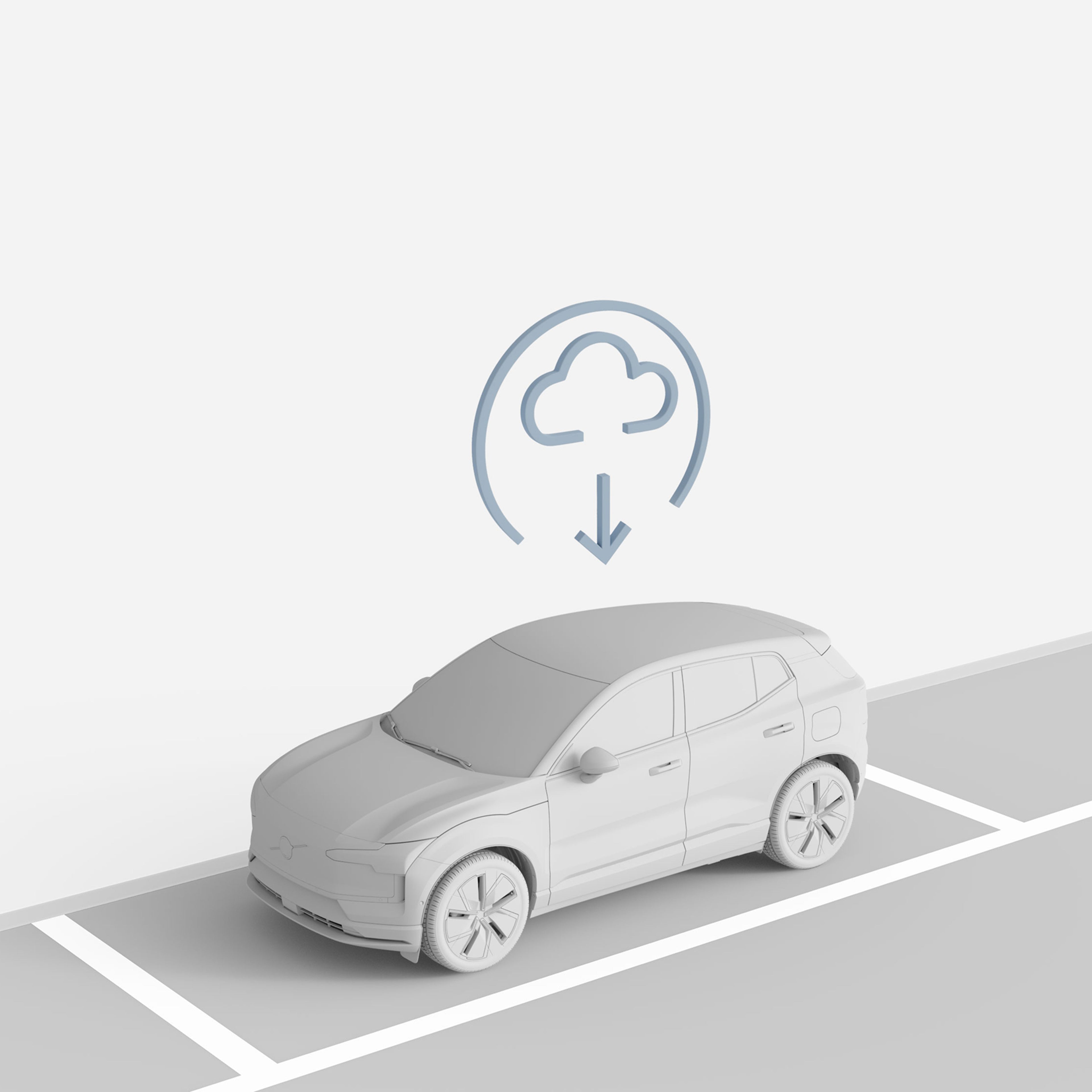
Get software updates sent directly to your car via the cloud. These over-the-air (OTA) updates roll out periodically, improving your car over time with no shop visits required. OTA updates also make it easy to upgrade and add software-based features and packages at any time.
Cadence of over-the-air updates will vary per model and market.
...Show more

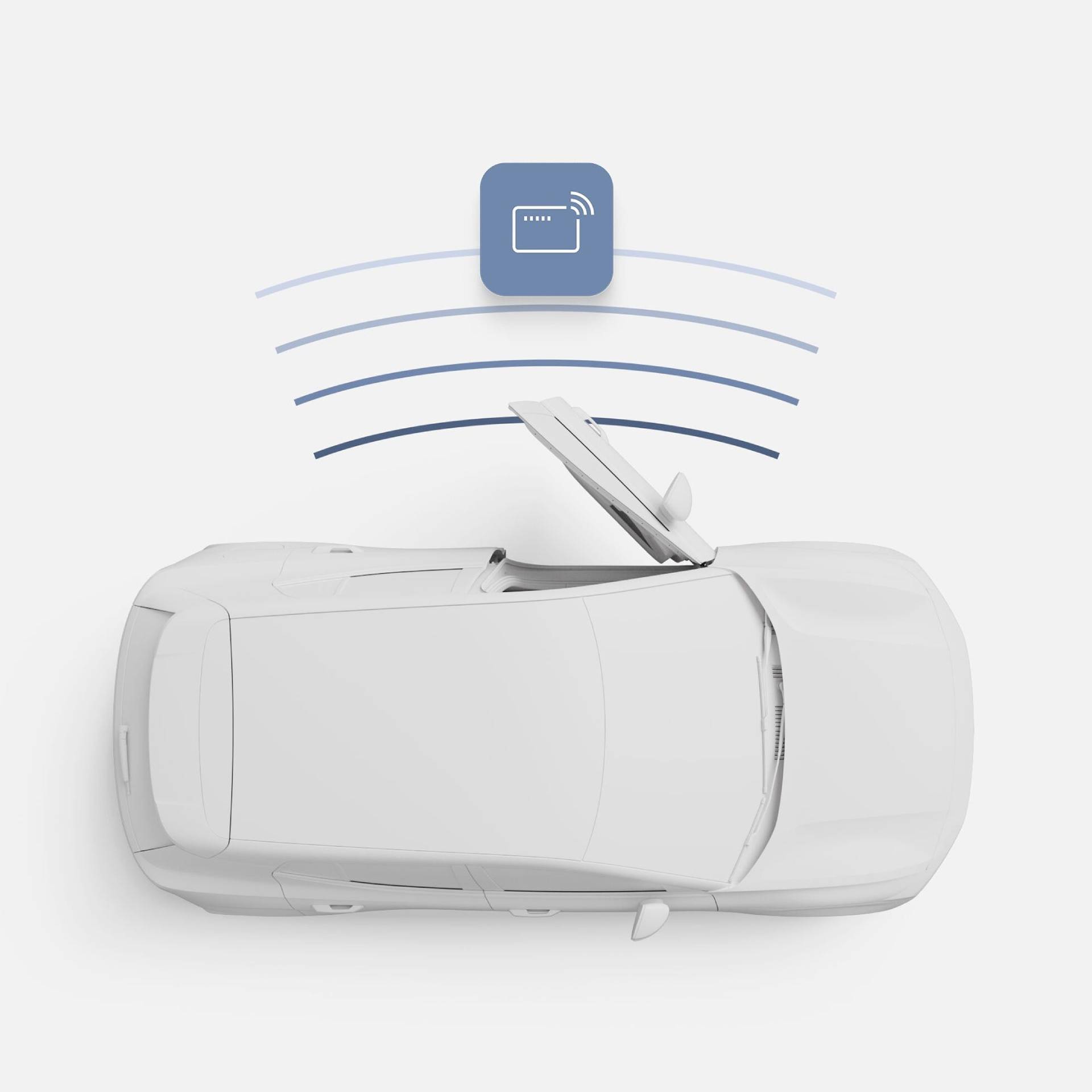
Add a digital key to your wallet app for full access to your car using your iPhone or compatible Android phone. With digital key plus, your car recognises your device as you approach. Just grab the door handle to unlock it. Then hop in, buckle up and drive without taking out your phone. The car also locks automatically as you walk away. Share your car with friends and family by sending them an invite to add a digital key to their wallet app.
...Show more

Wirelessly connect your iPhone to your car, and you’re all set to select apps, music and more using Siri or the centre display.
Access your favourite apps in the car's centre display or voice commands with Android Auto™. Connect your Android™ phone wirelessly and you’re ready to go.
Apple CarPlay and iPhone are trademarks of Apple Inc. Wireless Apple CarPlay is compatible with an iPhone 6 or newer models running iOS 14 or later. Update to the latest software to optimise your Apple CarPlay experience. Google, Android and Android Auto are trademarks of Google LLC. Compatible Android phone and compatible active data plan required.
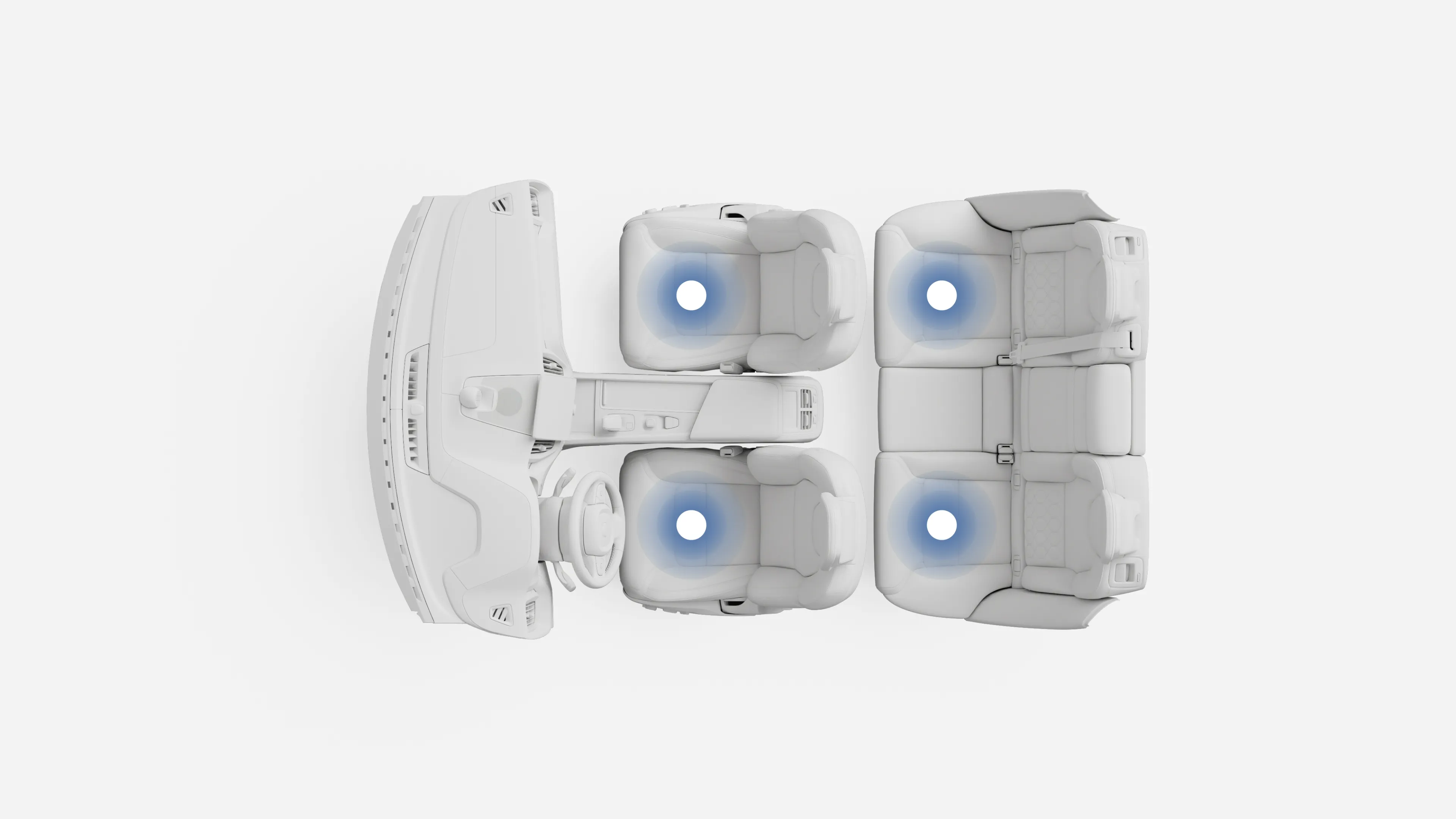
An advanced filter helps keep incoming air clear of dust, pollen and harmful PM2.5 particles. An air quality sensor automatically shuts the intakes and recirculates cabin air when it detects high levels of hazardous gases outside.
...Show more

The standard two-zone climate system allows the driver and front-seat passenger to choose their own temperature settings.
The car will adjust and maintain both accordingly. The car optimises fan speed and air distribution. You can still make manual adjustments, of course.
...Show more
Pop your phone on the standard charging pad at the front of the centre console. It fits larger phones and delivers enough power for quick top-ups.
Charge devices using the two USB-C ports at the front and two at the rear of the console.
Run an electric cooler, air mattress pump or camping stove using the 12-volt power outlet in the boot.
The EX30 is designed to help you avoid or mitigate collisions with other vehicles, pedestrians and cyclists any time, day or night. It can send audio and visual alerts and brake pulse warnings when a collision risk is detected.
If a collision is imminent or should you turn into the path of an oncoming vehicle at an intersection, the car can brake automatically. In some situations, it can even steer the car to avoid or mitigate a collision.
Vehicles, pedestrians and cyclists moving in the same direction of the car can be detected under certain speeds and in certain conditions. Detection systems depend on objects being illuminated and require the vehicle’s front and rear lights to work when it is dark. Driver remains responsible for safe driving at all times.
...Show more
Your car can detect distracted and drowsy drivers. An infrared sensor on the steering column tracks the driver's eye and head movements. It tracks how fast or slow they blink and how often. A front-facing camera watches the road to detect erratic driving. And another sensor monitors the steering wheel.
When this data is analysed together, and a distracted or drowsy driver is detected, the car can drop the driver messages to say it's time to focus or take a break.
...Show more
The EX30 uses rear radars to detect cyclists and scooters approaching from behind, sounding an alert if someone in the car goes to open a door. The alert has two levels. First, you’ll hear a warning on the centre display and a steady Blind Spot Information System (BLIS) light. When a collision risk is imminent, the alert escalates to a warning sound, and the BLIS light will flash.
...Show more
Pilot Assist helps you in small ways that can make a big difference.
Ready to change lanes? Let your car make the move. There must be enough time and space to complete the lane change, and you should maintain your grip on the steering wheel. But this new feature is designed to reduce the pressure of lane changes.
Your car can help make passing and driving alongside large vehicles less unpleasant. It does it by increasing and maintaining the distance between the side of your car and the other vehicle. And when there are trucks on both sides, the car will steer to a centre point between them.
Pilot Assist adapts your speed to maintain the distance between you and the vehicle directly in front of you. This can be a huge help in stop-and-go traffic especially. Your car can brake to a complete standstill if the car in front stops. But if that car stops only briefly, your car will automatically resume driving.
These are only some of the ways Pilot Assist delivers advanced driver support. But you must remain attentive and engaged. Pilot Assist can issue prompts to steer and escalate warnings if it detects an unresponsive driver. No response can see the car bring itself to a complete stop.
...Show more
Available only on the Ultra trim, the EX30 can steer, accelerate and brake to park itself. And yes, it can even parallel park. Just keep a sharp eye on what’s going on around you and take over if something unexpected happens.
The car will find good parking spots, too. At speeds up to 22 km/h, it can locate spaces and show your options on the centre display. Pick one, and the car will do the rest.
...Show more
Available only on the Ultra trim, the cameras on all sides give you a high-resolution 360° bird's-eye view of your car. This view automatically pops up on the centre display when you go into reverse gear or approach an obstacle at low speed.
Upgrade to get a split-screen 360° and 180° view. A 360° camera with 3D view is also available for enhanced parking assistance.
...Show more
a. Safety features complement safe driving practices and are not intended to enable or encourage distracted, aggressive, or otherwise unsafe or illegal driving. Cross traffic alert may have limited functionality in certain situations. Driver support functions are not a substitute for the driver's attention and judgment. Ultimately, the driver is responsible for the safe operation of the vehicle at all times.
Overseas model shown. Information and photographs on this website may include overseas models and features not available in Australia.
Please confirm exact specifications, features and availability with your local Volvo retailer.
Google, Google Play and Google Maps are trademarks of Google LLC.